D365 Contact Center: Setup Voice Channel with Azure Communication Services (ACS) – Part 2
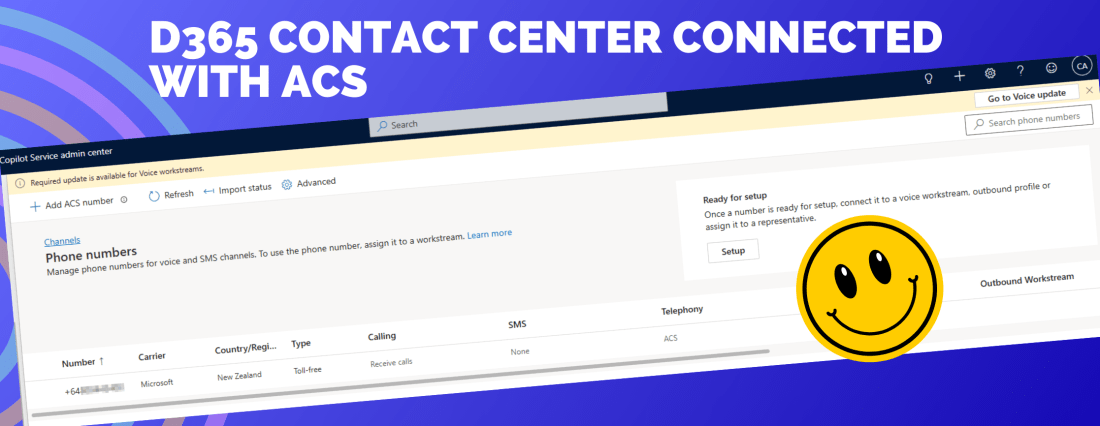
Introduction ACS can receive calls, but D365 Contact Center needs event notifications to route calls, track recording events, and handle SMS. That’s why we configure Event Grid webhooks and connect them to the endpoints provided by D365. In this part (Part 2), we will create Event Grid subscriptions for Incoming call, Call recording, and SMS, … Continue reading D365 Contact Center: Setup Voice Channel with Azure Communication Services (ACS) – Part 2
D365 Contact Center: Setup Voice Channel with Azure Communication Services (ACS) – Part 1

d365 contact center

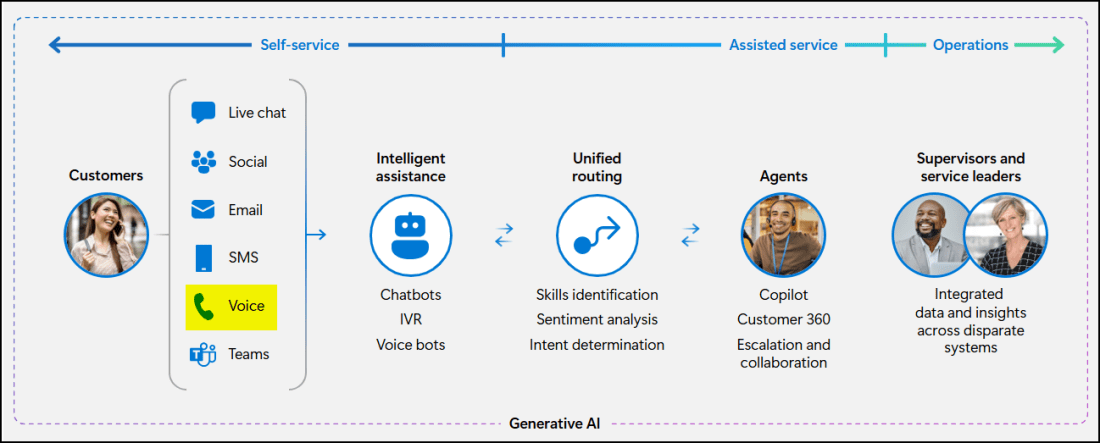
Introduction In Contact Centres, the "Voice" channel is a critical channel because customers call when issues are urgent or complex, and they want a human fast. Voice channel in D365 Contact Centre lets you route those calls to the right agent/queue and track the full interaction history in CRM. The voice channel is linked to … Continue reading D365 Contact Center: Setup Voice Channel with Azure Communication Services (ACS) – Part 1

Solution failed to export while transferring D365 Marketing Assets

While moving Dynamics 365 Marketing (Customer Insights Journey) assets from one environment to another, you might encounter a solution export error due to special characters in file names—particularly the # symbol. Background I have transferred Marketing data from one environment to another using the Configuration Migration Tool as Microsoft recommends here: https://learn.microsoft.com/en-us/dynamics365/customer-insights/journeys/transfer-data. However, if you … Continue reading Solution failed to export while transferring D365 Marketing Assets

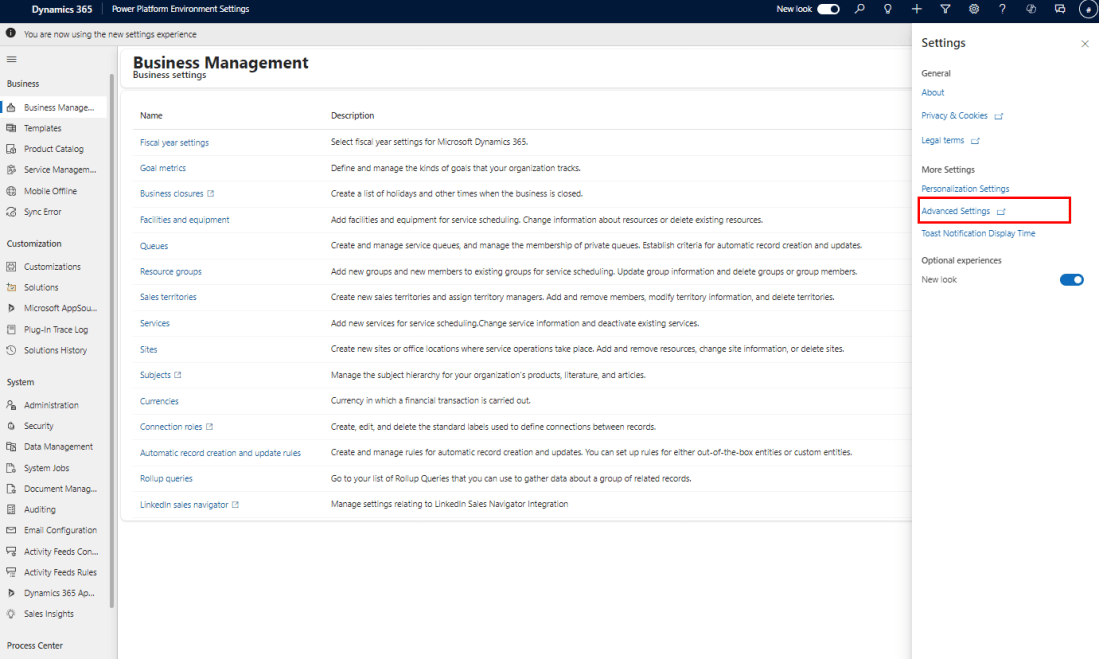
Advanced Settings gets a fresh look!

Today when I tried to open advanced settings as usual, realized that the old 'Settings' menu has got a total revamp and replaced by an app named, 'Power Platform Environment Settings'. Power Platform Environment Settings app replaces the legacy, web client experience by providing a single, unified experience for application developers to create settings for their … Continue reading Advanced Settings gets a fresh look!

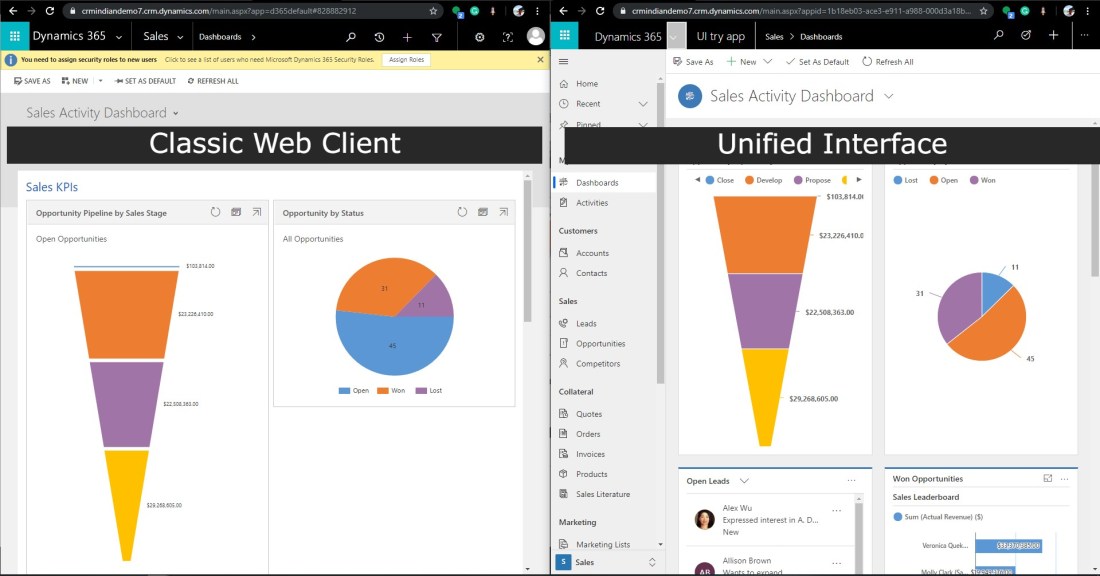
Tips for onboarding to D365 CE Unified Interface

With the release of Dynamics 365 for Customer Engagement apps version 9.0, Microsoft has introduced a new user experience, Unified Interface (UCI) - which uses responsive web design principles to provide an optimal viewing and interaction experience for any screen size, device, or orientation. The new Unified Interface brings all the rich experiences to any … Continue reading Tips for onboarding to D365 CE Unified Interface

Dynamics 365 CE V9.0 – First Look. It is here..

Finally, the expected next version of Dynamics 365, V9.0 is available from today. I've been so excited about the V9.0 new features and finally got a chance to play with it today. I have been playing around with the entities, grids, new controls, settings etc. This will be the first blog post of this 'First … Continue reading Dynamics 365 CE V9.0 – First Look. It is here..